Your colour
Appearance → Colour and type is one choice: your colour, the band across every label and your call button. Signal yellow is the default; bottle green, petrol and charcoal are offered; or pick your own (the colour of your van or your cards). Everything else (graphite, ink, white labels, the light page and the surfaces below) stays as it is, and the lighter and darker tones the theme needs are worked out from your colour.
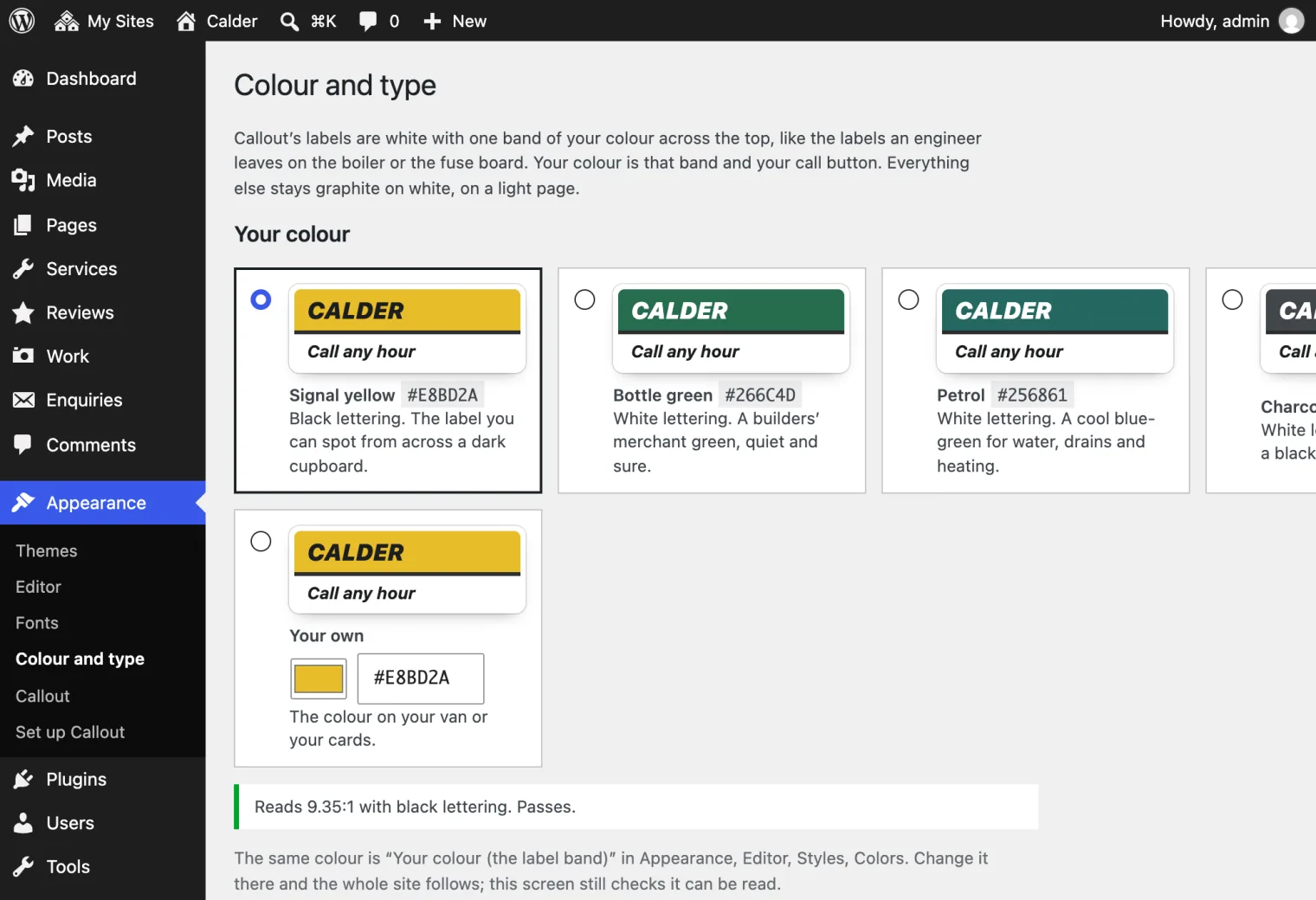
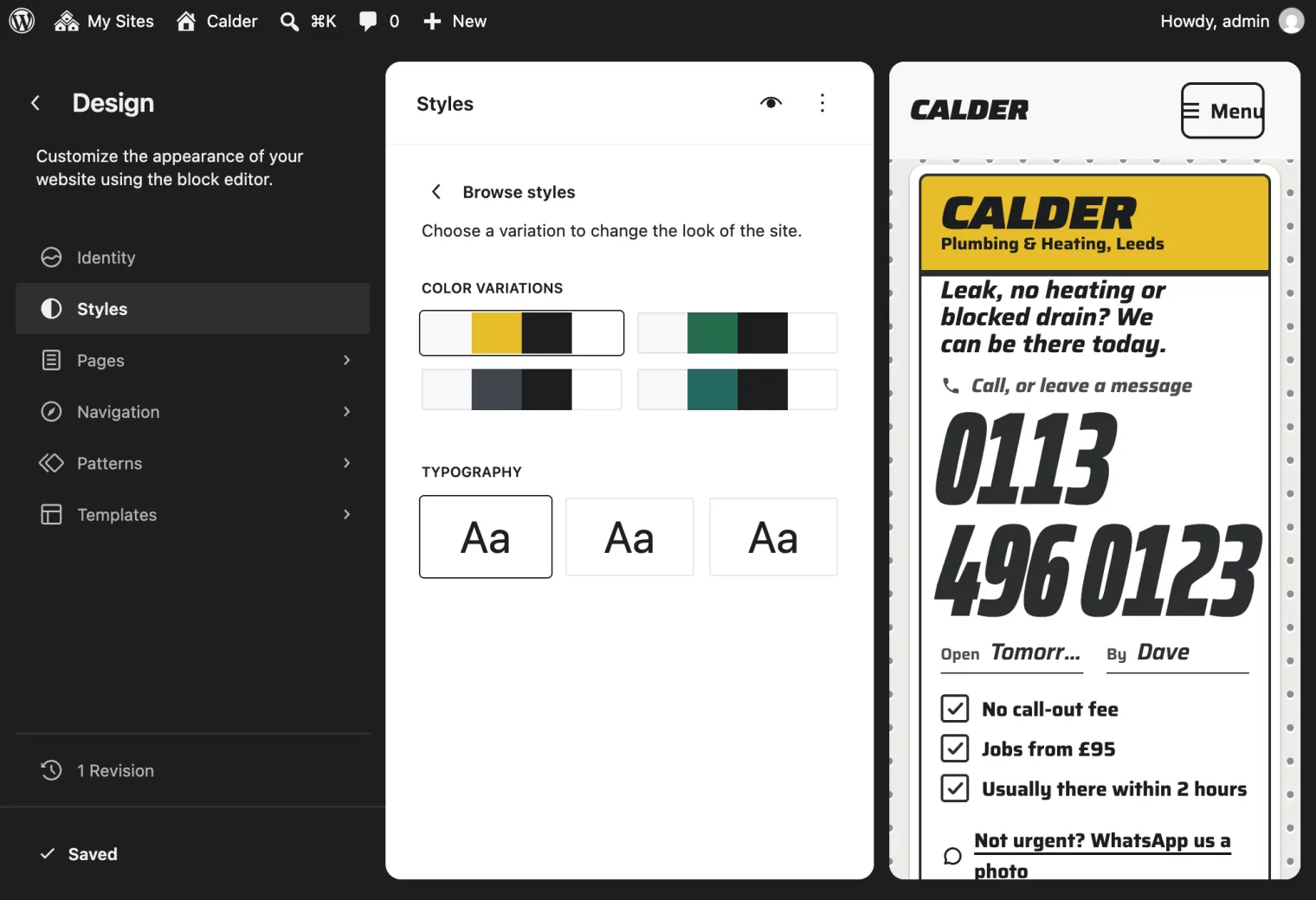
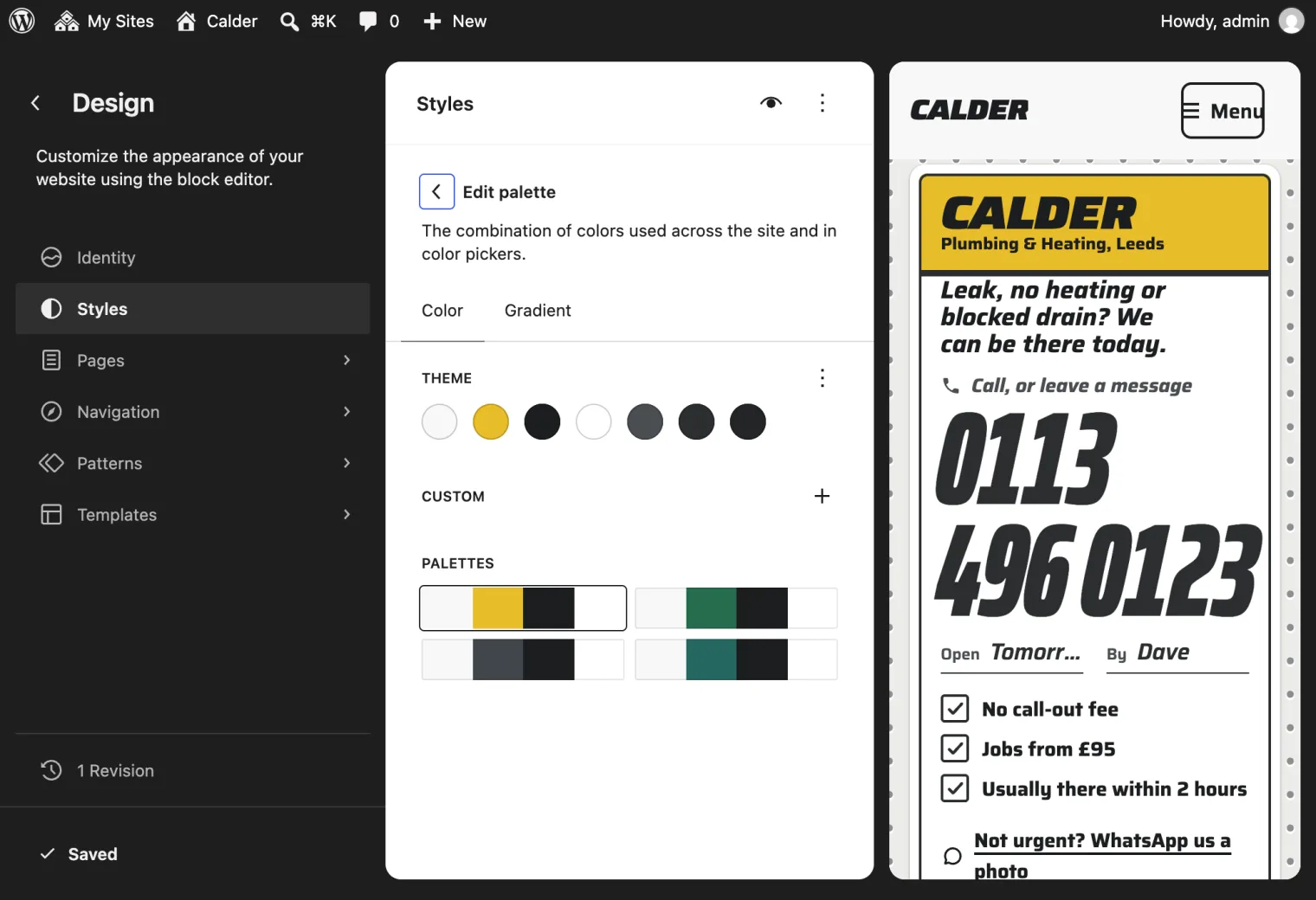
The screen checks every colour as you choose it. Your name is lettered on the band and your number on the call button, so the band must take white or black lettering at 4.5:1, and it must show up on a white label. If yours does not, the screen says why and offers the nearest shade that passes; if you save it anyway, the shade that passes is saved. The same colour is Your colour (the label band) under Appearance → Editor → Styles → Colors: change it there and the site follows, and if that colour fails, your labels are printed in the nearest shade that passes and the dashboard tells you.
Your type
Callout is set in Saira, one family: wide heavy italics for your name, a condensed cut for your number, plain for reading. Appearance → Colour and type also offers two other sets made for the trades: Merchant (Archivo, the builders’ merchant’s face) and Docket (Sofia Sans Extra Condensed with Sofia Sans, like a print shop’s job pad).
For any other font, Choose any Google font on the same screen opens Styles → Typography in the Site Editor. Install a font from the Font Library and choose it for Headings (your name, your number, headings) and Text (everything else). WordPress stores the font on your own site, so your visitors’ browsers never ask Google for it. Your label, your number and the call bar all follow your choice, and your number shrinks to fit if your font is wider than Saira. Two families is plenty: every extra font is one more download before your number appears on a phone.