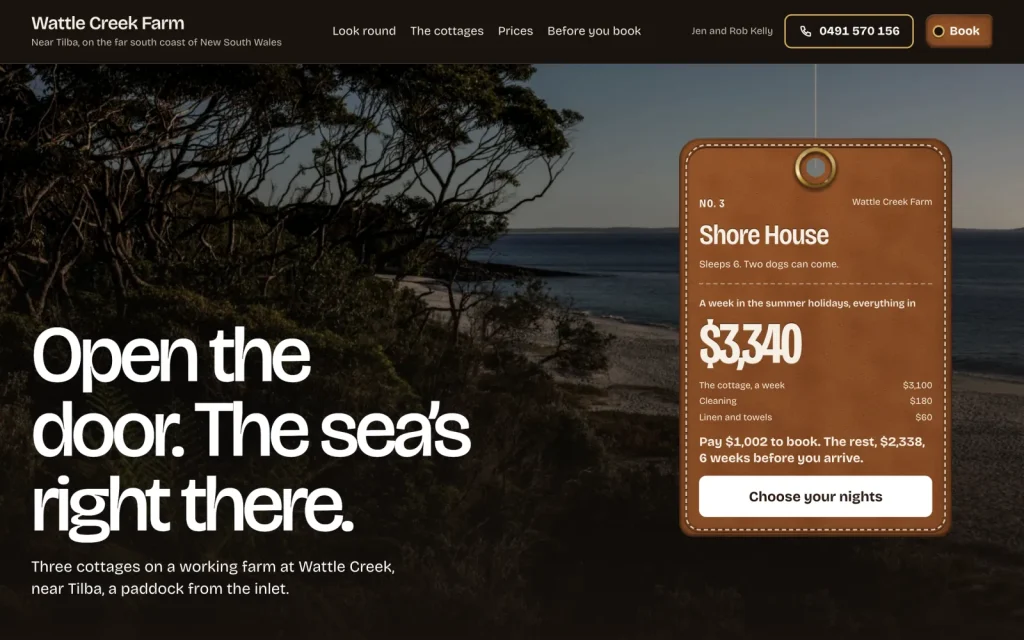
Stay
$99 onceHoliday cottages that take bookings and deposits direct.
No commission on stays booked direct
Each theme is built for one trade and does its one job, like bookings, calls or date checks, with no plugins and no monthly fees. From $69, paid once.
What do you run?
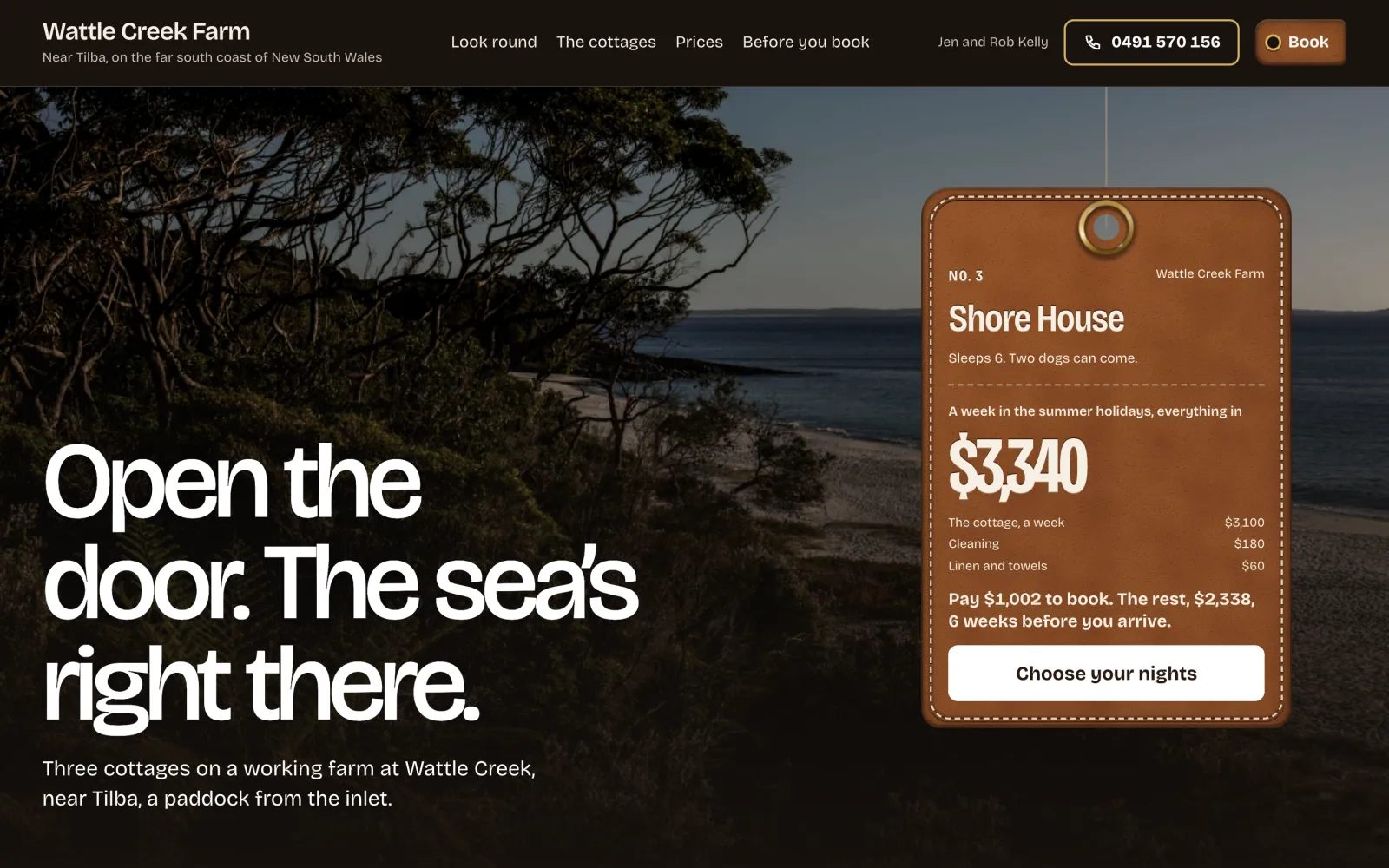
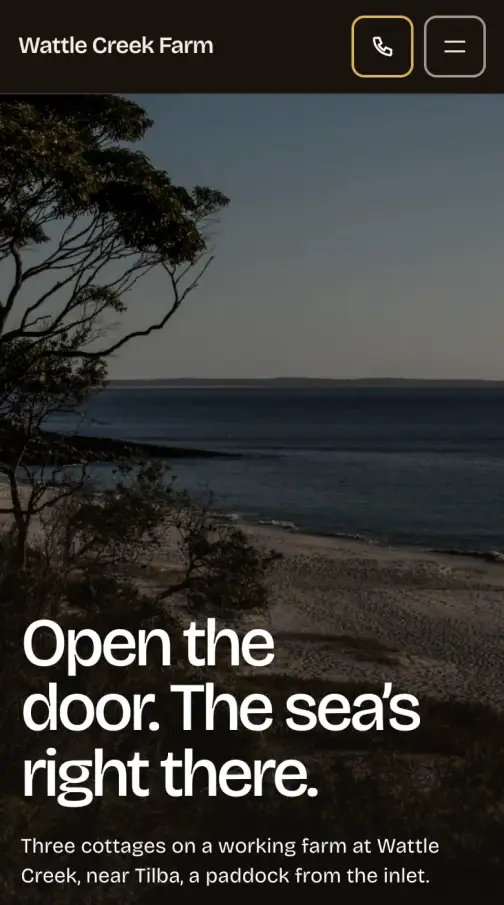
StayTakes direct bookingsfor holiday lets
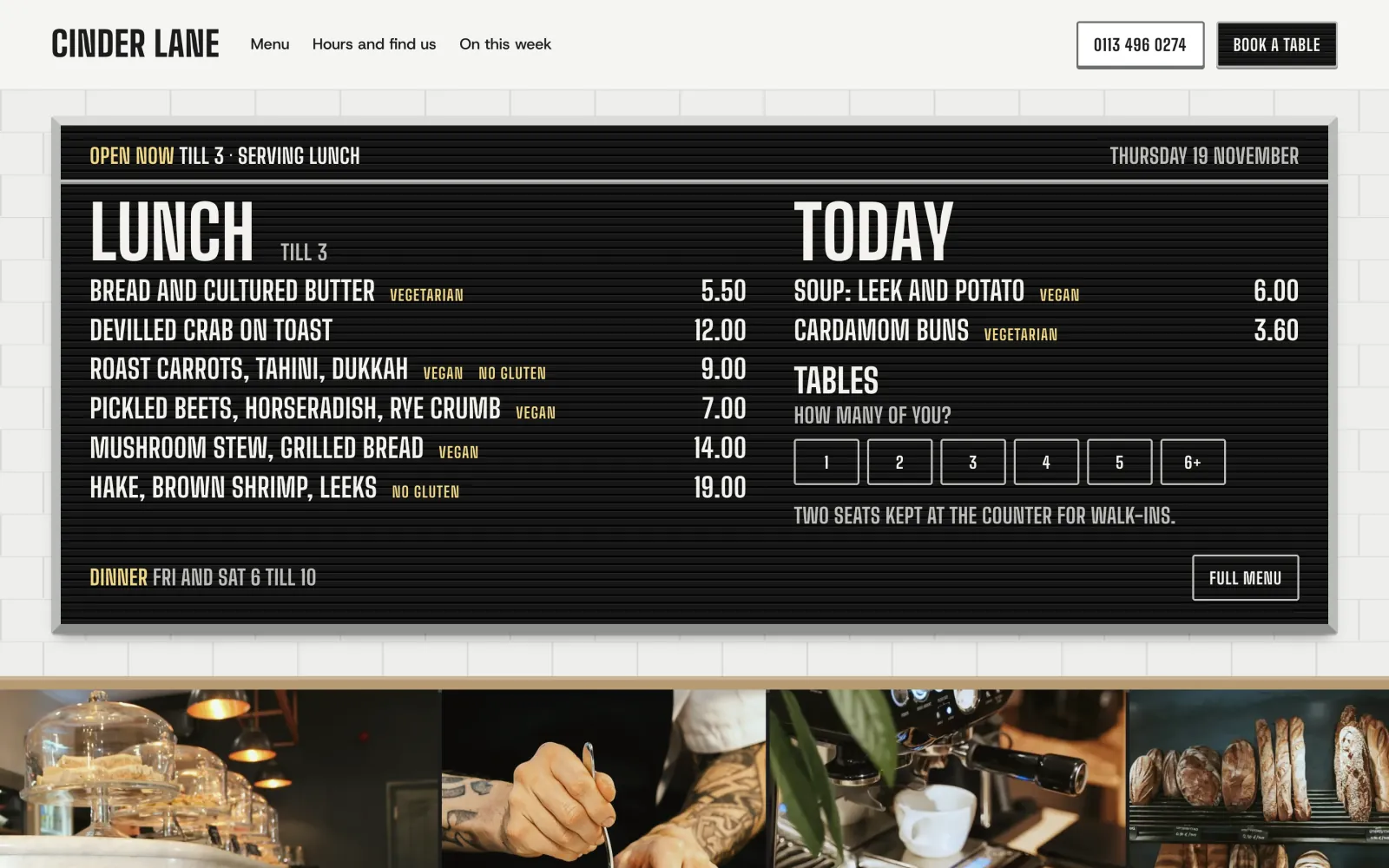
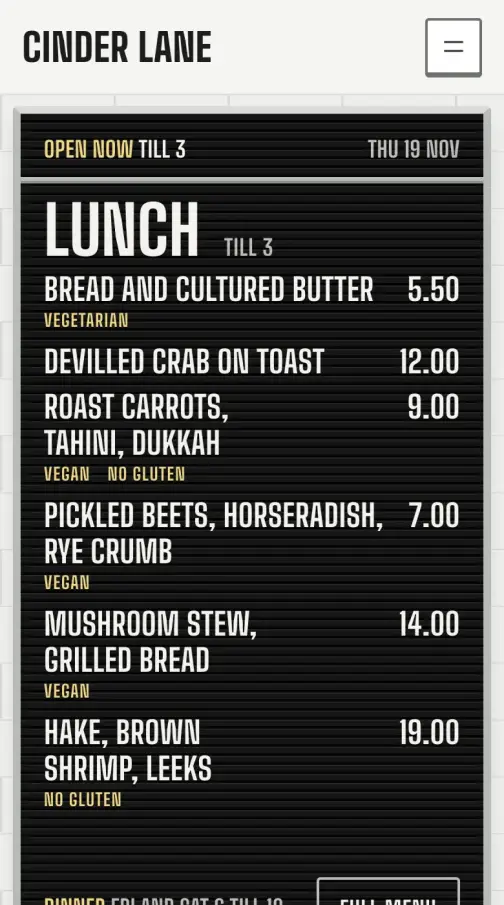
CounterPuts the menu online and takes table requestsfor cafés & restaurants
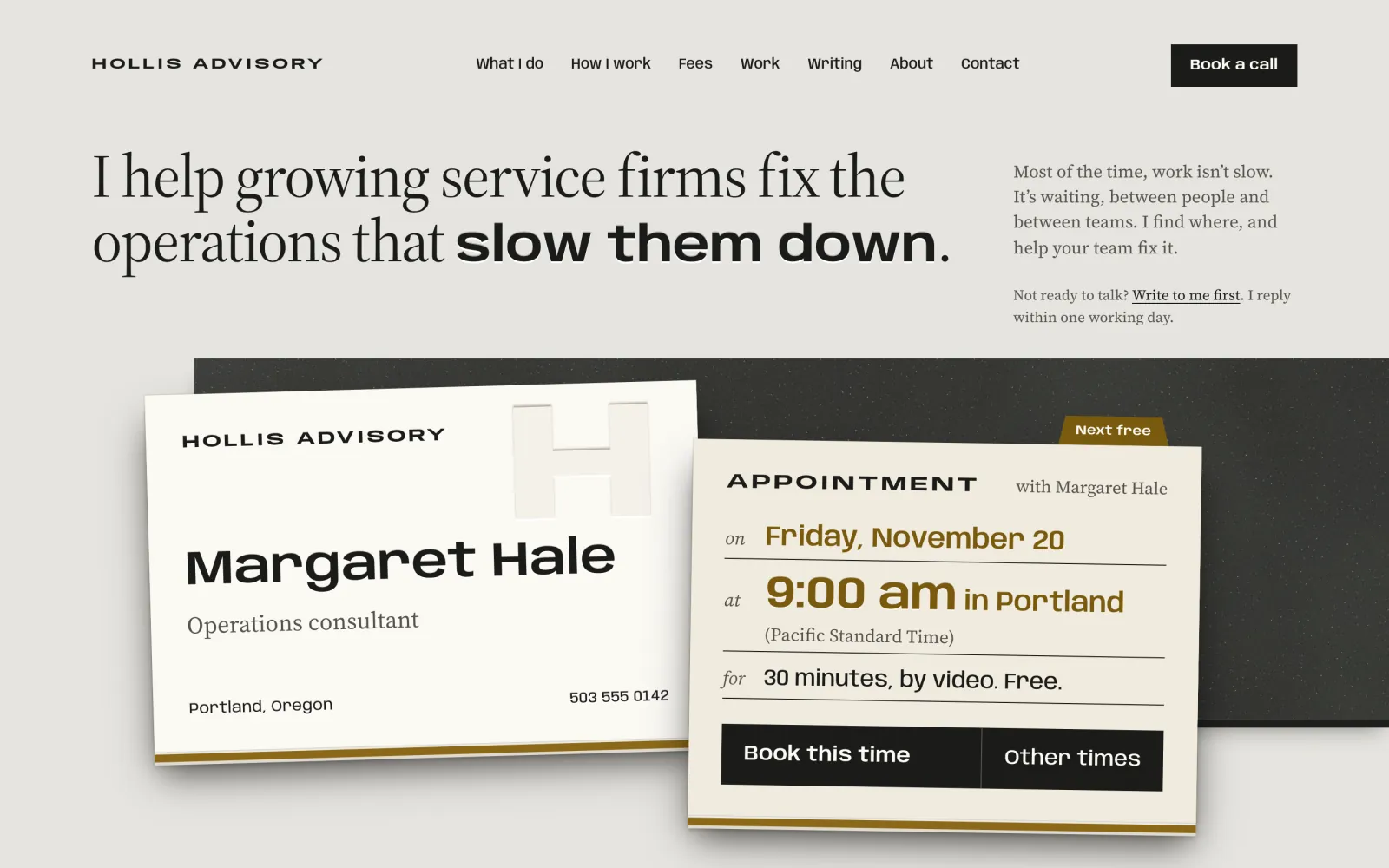
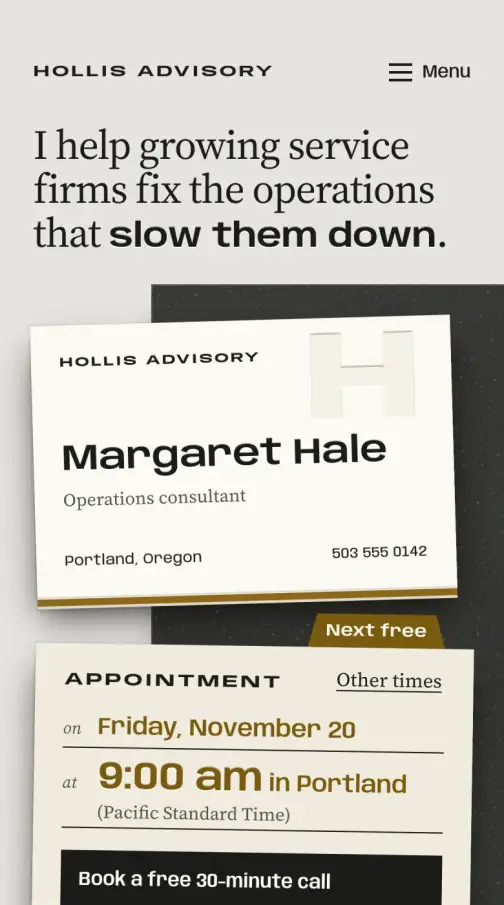
CardBooks first callsfor consultants & coaches
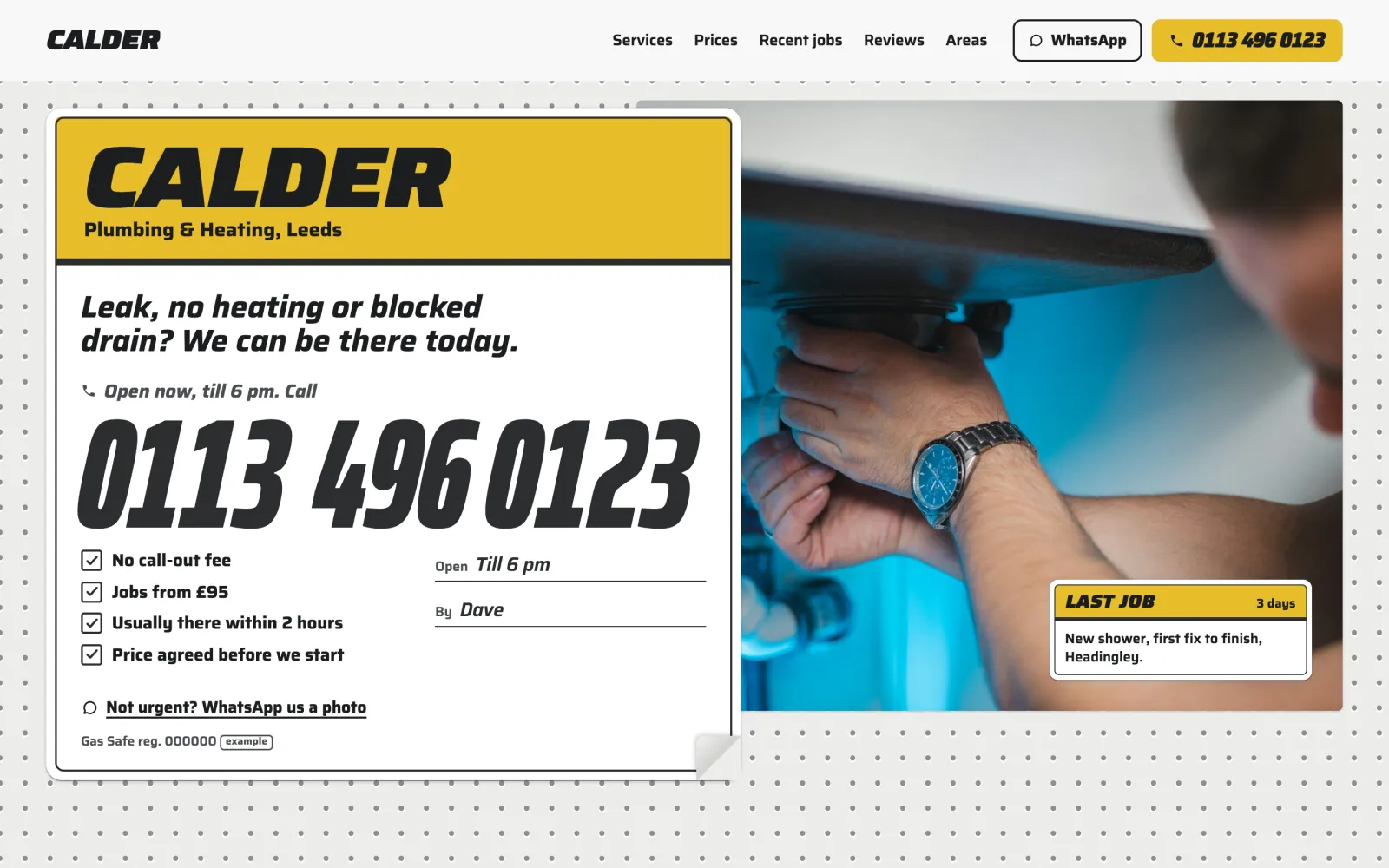
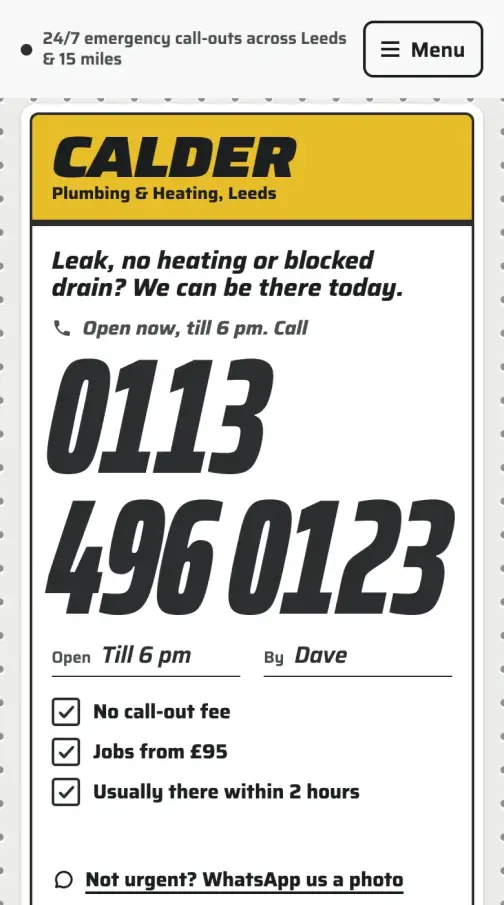
CalloutBrings in calls and quotesfor plumbers & trades
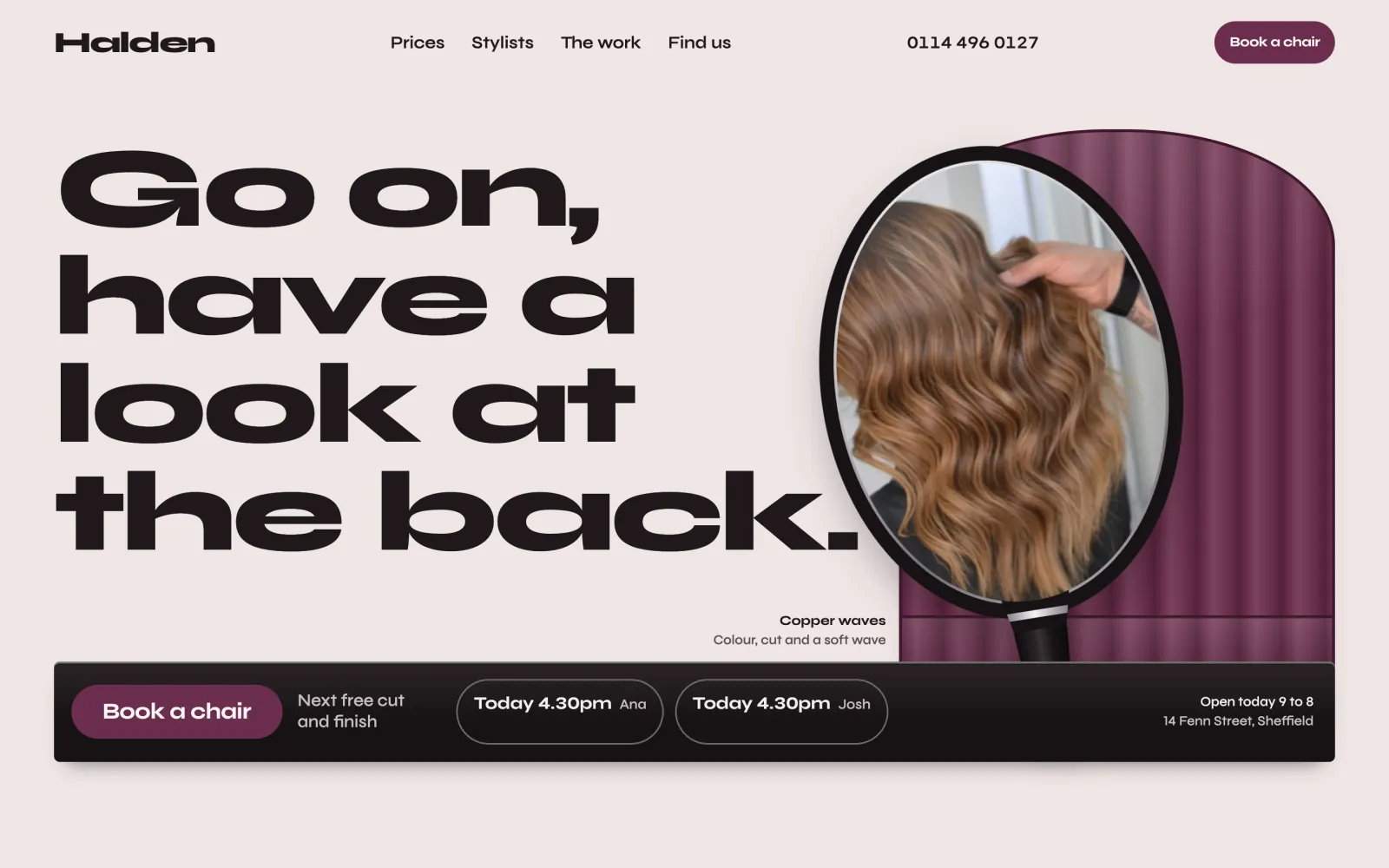
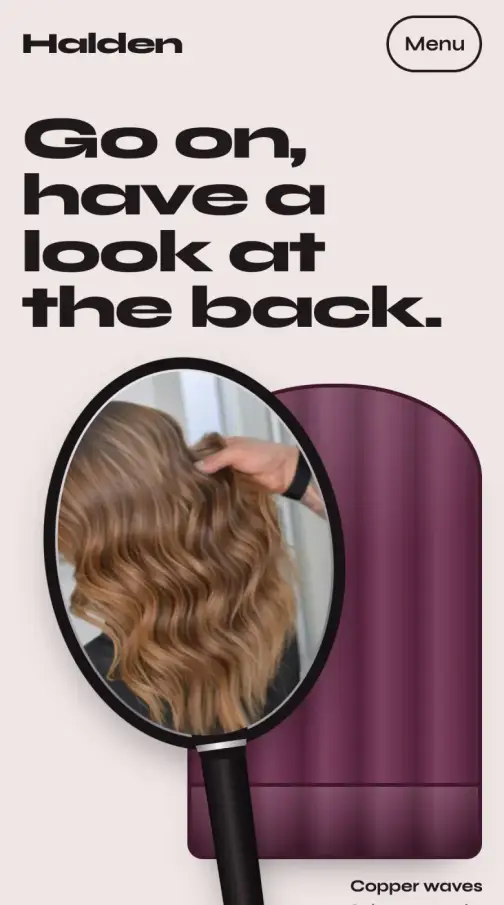
ChairTakes salon bookingsfor salons & barbers
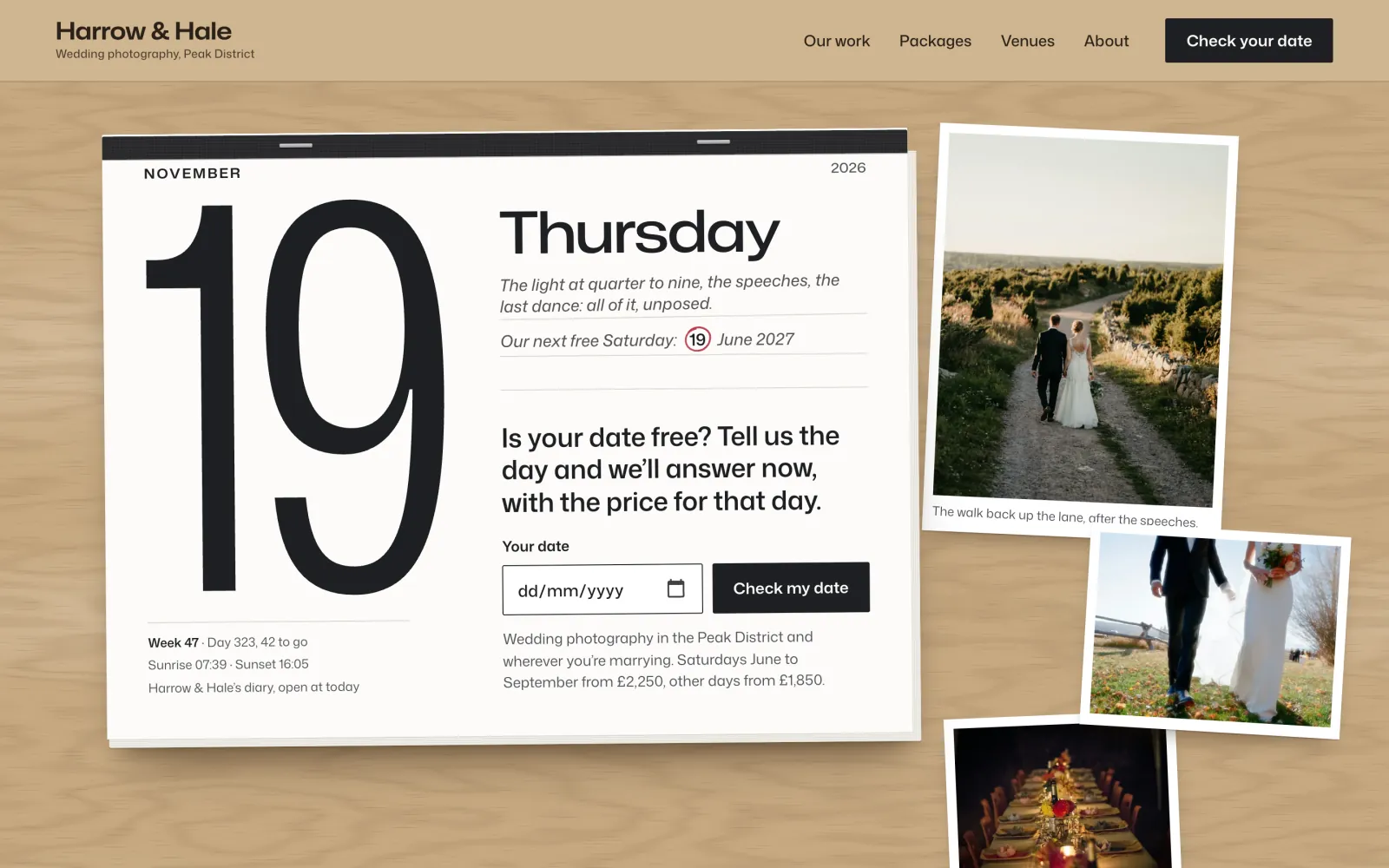
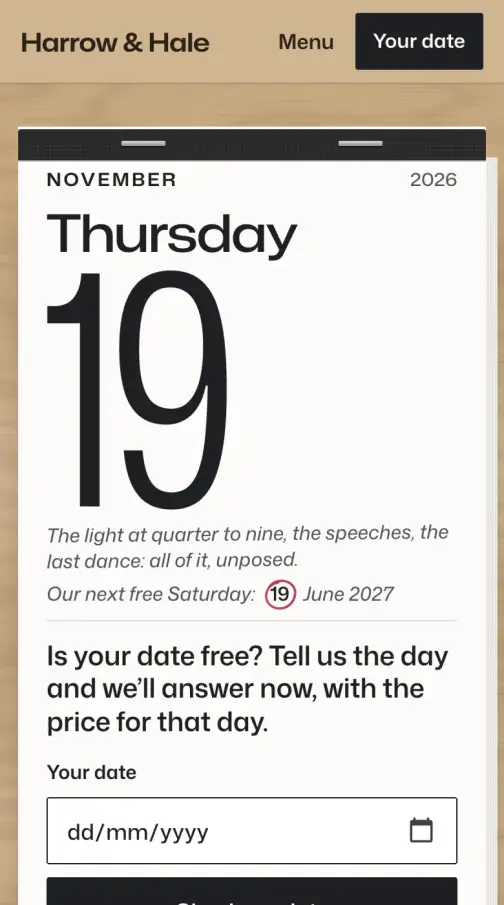
DateAnswers “are you free?”for wedding suppliers
Themes
Holiday cottages that take bookings and deposits direct.
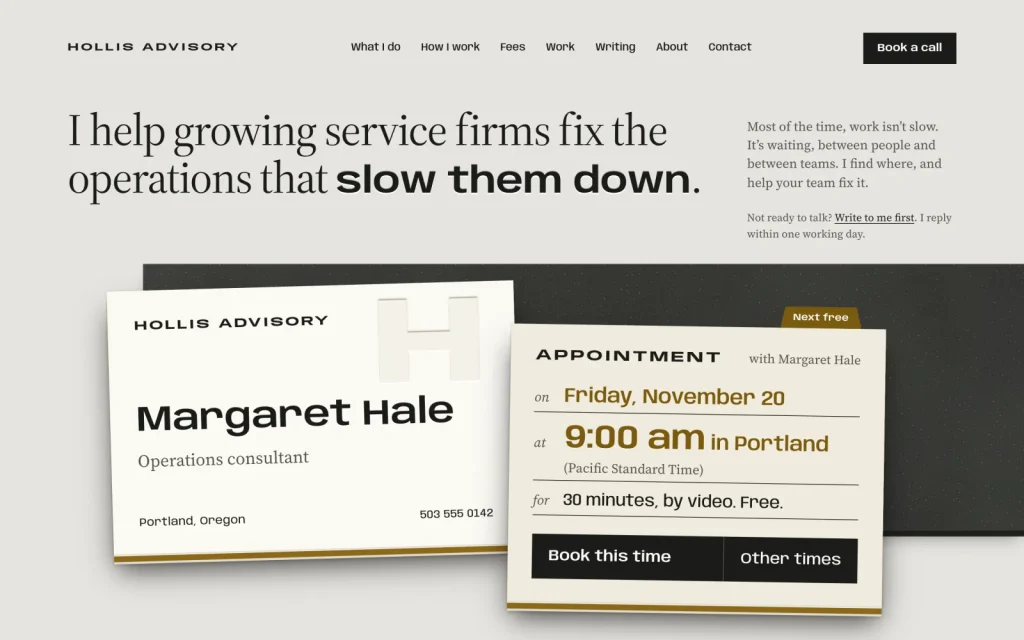
Consultants and therapists, with booking built in.
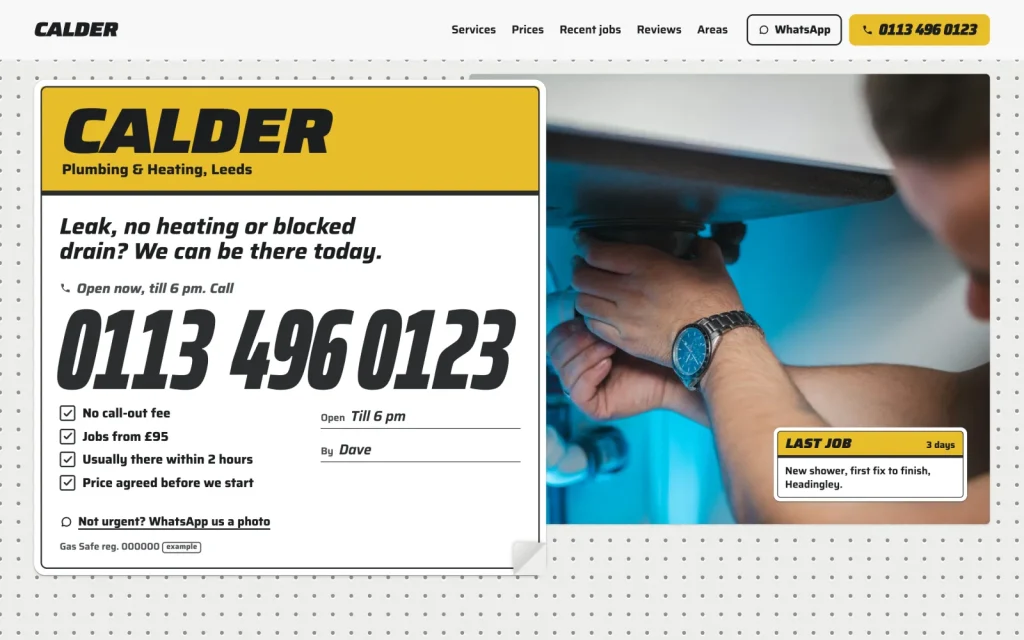
Trades that need the phone to ring and quotes to come in.
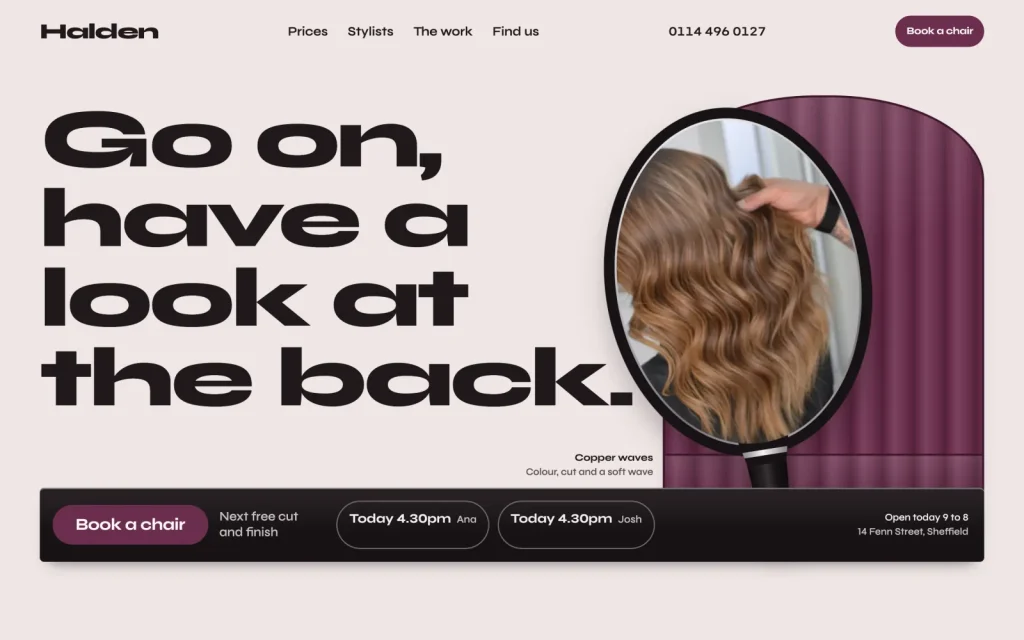
Salons and barbers, booked by treatment and stylist.
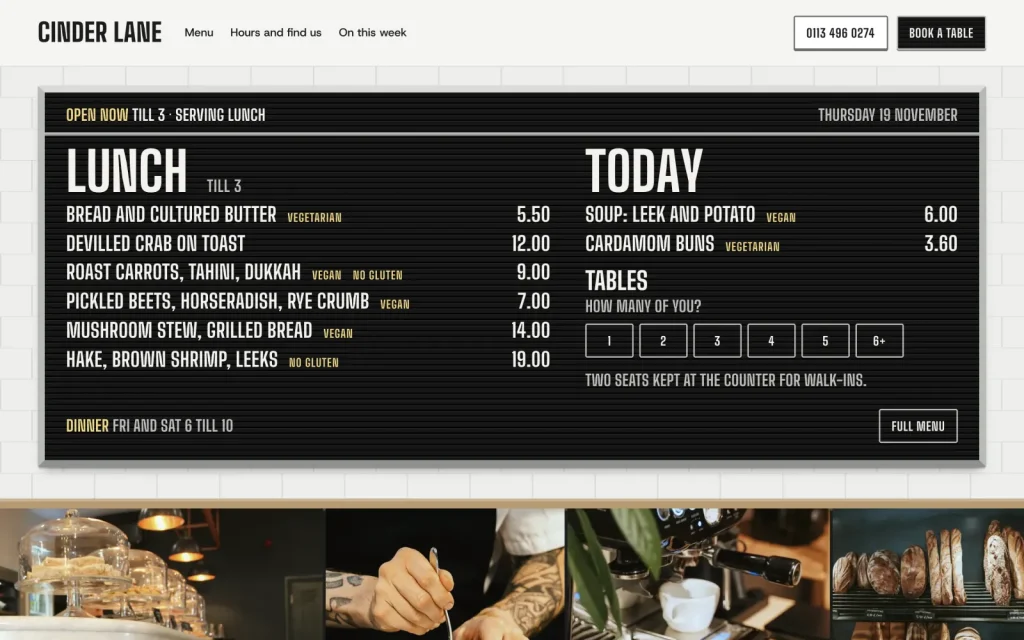
Cafés and bistros: the menu board and table requests.
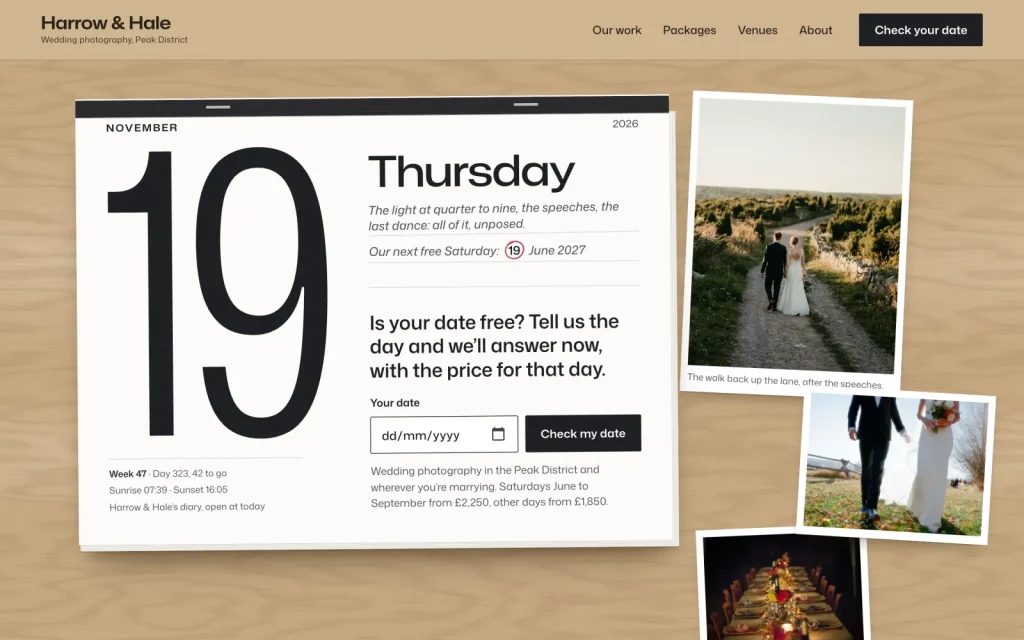
Wedding suppliers: is your date free, and what it costs.
Tell us what you run. New themes are chosen from these requests, and if one is made for yours, you’ll hear when it ships.
Suggest a business typeOne-off price14-day refundUpdates and 12 months of supportNo account needed
Pricing
A scheduling subscription
No longer paying $120+
a year, for as long as you use it
Card
$69
once, and it’s yours to keep
The same goes for the rest: Stay takes bookings on your own site with no commission on them, Chair takes salon bookings with no app subscription, Callout takes calls and quote requests with no lead fee, and Counter puts the menu online and takes table requests with no booking fee.
Getting started
Any host that runs WordPress 6.6 or later on PHP 8.0 or later will do, and most set WordPress up in one click. Nothing else is needed on the server.
Your download link and licence key arrive by email straight away. No account to create, no subscription.
Appearance, Themes, Add New. Then your name, photos, prices and hours. The pages and layout are already done.

Who makes these
“I design and build every Varnify theme myself, for one kind of business at a time. When you email support, I’m the one who answers.”
Sam Mathew Designer and developer, 14 years on the web · [email protected] · @samthayyil on X
Building sites for clients?
Every theme is GPL, so you may use it on as many client sites as you like and change it as you need. A licence key covers updates and 12 months of personal support for one site, and that site’s staging and local copies: buy one for each site you want kept up to date.
Questions
Not yet. Sales open soon. Until then every theme's page, price and live demo are here to look at, and questions go to [email protected].
A WordPress website on a host that runs WordPress 6.6 or later and PHP 8.0 or later. Most hosts set WordPress up in one click. You then upload the theme's zip under Appearance, Themes, Add New.
If your host runs WordPress 6.6 or later on PHP 8.0 or later, yes. Each theme lists what it needs on its page. Nothing else is required on the server.
No. You change the text, photos and colours in the WordPress editor and the theme’s own setup and screens. There is no code to touch and no page builder to learn.
A one-off payment. Prices are in US dollars, and any sales tax or VAT is shown at checkout before you pay.
As many as you like. Every Varnify theme is released under the GPL, like WordPress itself, so you may use it on any number of sites and modify it, including for clients. What you pay for is updates for one site and 12 months of personal support. Your live site and its staging and local copies count as one site.
Yes. Within 14 days of buying, reply to your purchase email or write to [email protected] and you get a full refund, with no questions asked. It goes back through Paddle within a few working days, and the licence key stops working. After 14 days, ask anyway: each case is looked at on its own.
One email when a new theme ships. Nothing else.